Teams with a name hit differently
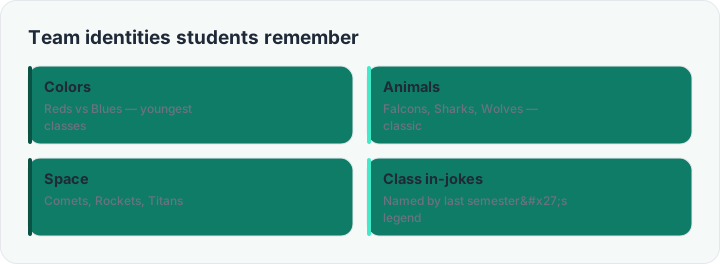
Numbered groups are fine; named teams are motivating. "Group 3" is a filing label, but "the Comets" is an identity — something a table of twelve-year-olds can win and lose as. This generator splits your class and hands each team a name automatically, which removes the second-most argument-prone part of group work (the first being who is in which team, which the randomness already settled).
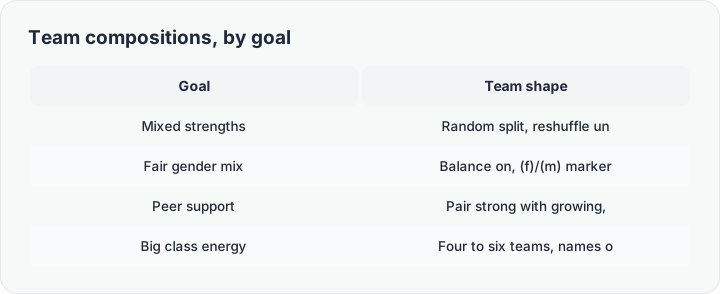
The split reuses the same engine as the home page: paste the list, set the number of teams, tick balance to spread (f)/(m) markers evenly, and shuffle again until the mix looks right. Team names are optional — untick "invent team names" for plain Team 1 / Team 2 when the moment calls for calm.
Making team competition healthy
Named teams invite scoreboard energy, and scoreboard energy needs guardrails. Keep competition about improvement — points for progress, not just wins; rotate team composition regularly so no squad calcifies into the class aristocracy; and let teams earn their names: a five-second cheer when the split reveals "the Thunder" is cheaper than any reward system and works surprisingly well. When the activity ends, shuffle again — the teams serve the lesson, not the other way round.
For bigger classes needing several simultaneous teams, generate once and print — the print view lays the team cards out for a wall display. And when you need one name rather than whole teams, the name picker is one tab away.